|
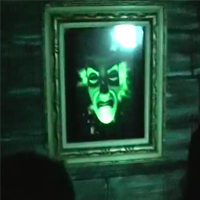
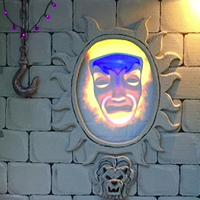
On darkest night, of storm and rain
A mask speaks out from silvered pane
Want to build
our magic mirror prop but the free
version doesn't have the features you've come to expect
from our other digital puppets? Look no more, for
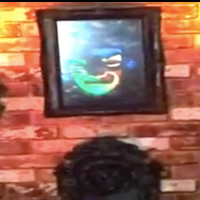
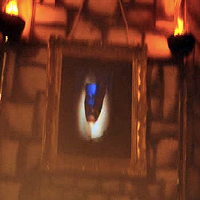
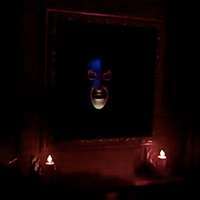
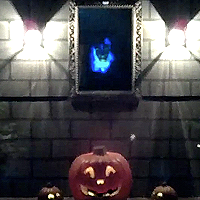
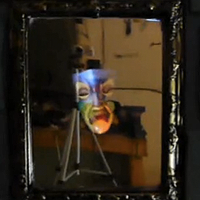
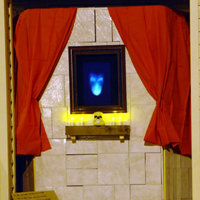
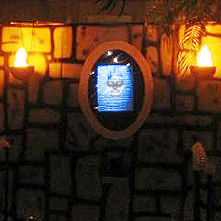
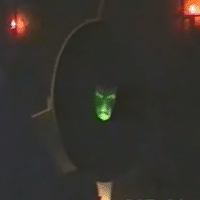
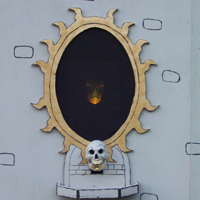
Mirror Mirror, our second Magic Mirror prop,
is here!
Features
-
NEW FOR 2012 Haunting Season!
A complete rewrite of the app for performance and
better presentation. This is a free upgrade for all
users of Mirror Mirror's previous versions - your license
key works with this new version.
-
Higher-resolution model and smoother animation than the original
Magic Mirror puppet.
-
Customizable lighting setup. Choose colors for an accent light
and a fill light, and choose the direction
they come from.
-
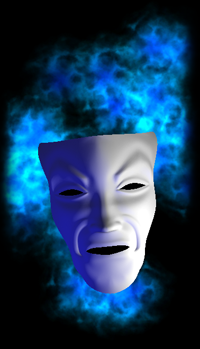
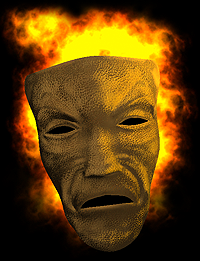
Choose between two spectacular background effects:
a glowing red fire, or a ghostly, spectral flame. Or leave
it against classic black.
-
Choose from several styles, including several new for the 2012
season: classic, matte
white or gray, metallic gold, silver, bronze, or chrome, or
the new leatherface!
-
The many moods of Mirror Mirror: hiding,
happy, docile, or
angry.
-
Custom camera controls - you decide how large to make the Mirror
face on the screen, and in what orientation. Now, you can adjust to
any mounting style for your monitor or projector!
-
Turn floating on or off.
-
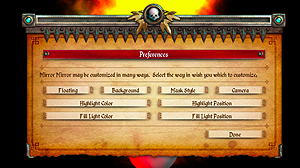
A streamlined new interface, done through
a pop-up console with easy navigation:
If you are having trouble
with resolution or color issues, you can hold down Option (on Mac)
or Alt (on Windows) when launching the puppet to see a resolution
picker dialog. This is useful if the puppet is selecting the wrong
resolution by default (say, if it is causing display issues, or is
preventing mirroring to another screen).
|
CLICK HERE TO PURCHASE
only $15
Try the demo
Please try before you buy! The demo is fully-featured, with only a watermark,
so you can find out if the puppet will work for you before you drop a
single dime on it.
Mac Demo 3.1
Windows Demo 2.2
|
Other haunts using The Magic Mirror
An Office Haunting
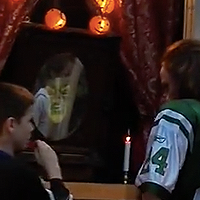
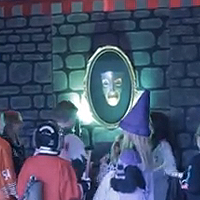
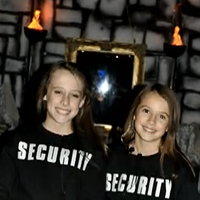
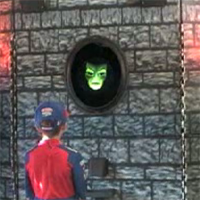
Check out this video showing how some haunters put together a Magic Mirror effect in their office for local trick-or-treaters! Includes some behind-the-scenes construction video, and the Mirror in action with the kids. Great work!
More...
Interactive Magic Mirror
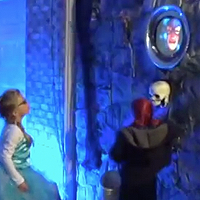
Check out this rear projection onto a Walmart shower curtain to display the talking Magic Mirror mask! The facade was constructed with 1" PVC pipe and insulation foam, and they used a baby monitor to help keep an eye on the trick-or-treaters.
More...
Geo's Home Haunt
Geo writes, "I found your Magic Mirror puppets just as interesting as the famous Madame Leota crystal ball trick they used at Disney," which we take as high praise, indeed! He's been using our puppets since 2009 at his awesome home haunt.
More...
Lights On Lancaster
Lights on Lancaster is a neighborhood holiday light display that consists of over 10,000 lights and 23 DMX universes of control. They used the Magic Mirror for great effect!
More...
Reed's Kentish Garden
The Reed family used the Magic Mirror and a converted plastic ornate fountain to dispense sweets. It was a great success in Ashford, Kent, United Kingdom, and thanked us for "making this wonderful peace of software available".
More...
The Cursed Mirror
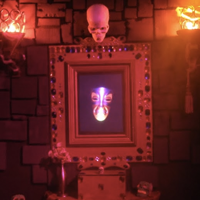
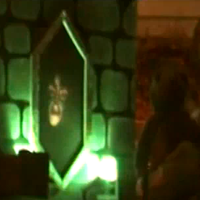
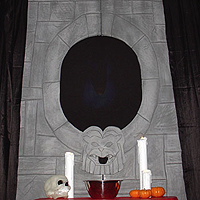
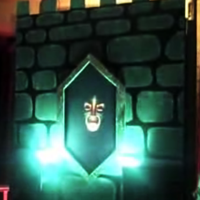
Check out this AWESOME facade for Mirror Mirror, complete with a 3-axis skull, sparkling diamonds, a pneumatic scare, and a mysterious box. Fantastic work!
More...
Jared's Happy Haunt 2012
Jared writes, "Magic Mirror a big hit again this year." Be sure to check out his fantastic new facade and line queue - it looks great! This is doing it right.
More...
Randy's Haunted Garage
Randy augmented his Magic Mirror facade with more props that he controlled from behind the scenes with fishing line. He tells us "The Magic Mirror was new this year and was a BIG HIT."
More...
Jeppsen's Haunt 2010
The Jeppsen family shares with us their Magic Mirror installation for Halloween 2010, with bonus behind-the-scenes footage!
More...
Happy-Halloween
Rick at
happy-halloween.net put up a whole web page showing the "behind-the-scenes" of his Magic Mirror effect. Looks great!
More...
Waugh Family Halloween
The Waugh family built a cool facade in their garage to house the Magic Mirror, with a clever way of hiding speakers.
More...
Magic Mirror Costume
One haunter took the Mirror idea and decided to make it portable! The end result was a fully functional magic mirror built into a a Halloween costume! Awesome!
More...
Jeppsen's Haunt 2011
The Magic Mirror was part of a great Halloween façade at the 2011 Jeppsen's Haunt! And they gave out M&M's - a class act!
More...
Jared's Happy Haunt 2011
Jared's Mirror
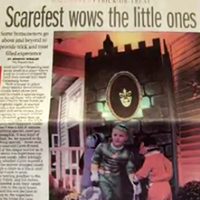
made the local paper! He wrote, "Once again a huge crowd with lines out to the street. Used new flat screen T.V. this year which really made the mirror even better. "
More...
Bawol's Place
The Magic Mirror facade at Bawol's Place looks extremely cool, with a tall gothic skull, plus a fun side gag placed on the doorbell. Nice voice acting, too!
More...
Jared's Happy Haunt 2009
Jared tells us the Mirror "was a big hit with the kids and parents. Most of the night we had a line out to the street from our house..."
More...
Mirror of Mackenzie Towne 2.0
Dez created a new facade to introduce himself to his new neighborhood, with fantastic results!
More...
Jared's Happy Haunt 2008
Jared made a fantastic facade for his Mirror Mirror puppet, and posted some video of it in action with some trick or treaters.
More...
House of Kohler
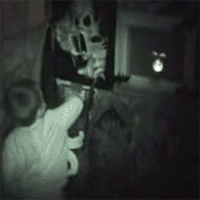
Check out this video of the House of Kohler. See how the puppeteer draws a hesitant little boy into the magic.
More...
Belwood Manor
Check out this YouTube video of the Magic Mirror appearing at the Belwood Manor Halloween party.
More...
Mirror of Mackenzie Towne
Dez made a fantastic-looking Magic Mirror, and blogged a great description of how he built it and how it worked. Check it out!
More...
Grouchy Haven
The Perron Haunt has used both the Magic Mirror AND Yorick in their home haunt. Check out the cool facade and the behind-the-scenes pics on their web site.
More...
Briercliff Manor
Mike has a fantastic haunt with an excellent implementation of the Magic Mirror. Be sure to check out the video of the Mirror in action!
More...
Danny's Haunt
Danny made a cool facade for his Magic Mirror, and his site has some great construction photos.
More...
Did you use this effect in your haunt and want to show it off?
Let us know about it and we might feature
your haunt right here!
Version history
For the 2012 haunting season, Mirror Mirror underwent a complete rewrite because
the 3D framework we were using (Adobe Director) has apparently ceased all support for
modern operating systems. As a result, the feature set for version 2.0 and 1.1 is
drastically different. Some new features are in, some features have been dropped. Overall,
we think the new version is more streamlined and easier to use, but if one of the features
you liked from the old versions is key to your haunt, you can download old versions
below - they should all work with your serial number.
The most notable change is the fact that we dropped support for the microphone
and scripting input types. You can achieve the scripting input type of control
by just doing a performance while using screen capture software like Snapz Pro,
since computers are generally more able to deal with video capture now than they were
when we first introduced the feature. The microphone input, however, cannot easily
be reproduced, but this was by far the feature which caused the most difficulty
for our users, requiring many last-minute support emails on Halloween day. Considering
this mode of input also results in the least convincing performance (due to many
factors), we have removed it from all versions of our puppets going forward. If you
require microphone input for your project, please use one of the older versions, but note that we can no
longer support this deprecated feature.
- Version 3.1
-
New release notarized for playback in Catalina.
Mac Version 3.0
- Version 3.0
-
New 64-bit release with new, larger, cleaner UI.
Mac Version 3.0
- Version 2.2.cs
-
Same as version 2.2, only codesigned for playback on OSX Mavericks+.
Mac Version 2.2.cs
- Version 2.2
-
Added "quit" button to the preferences panel.
Mac Version 2.2
Windows Version 2.2
- Version 2.1
-
Fixes issue with storing the registration key between sessions.
Mac Version 2.1
Windows Version 2.1
- Version 2.0
-
Ground-up rewrite to migrate from Adobe Director platform to Unity platform.
Major changes to interface presentation and feature set.
Mac Version 2.0
Windows Version 2.0
- Version 1.1
-
Added the ability to have the mirror fade when asleep. (Select
"Fading" in the Appearance console menu.)
Mac Version 1.1
Windows Version 1.1
- Version 1.0
-
Initial demo release
Mac Version 1.0
Windows Version 1.0